What is Cloudhub Notification
CloudHub Notification likely refers to a feature within the CloudHub platform that allows for the sending notifications or alerts to users or administrators regarding important events, system status updates, errors, or warnings related to integration processes or applications running on the platform.
Create Custom Alert in Anypoint:
Sign into Anypoint and navigate to Runtime Manager.
In Runtime Manager>Alerts tab<To create an alert.click on the plus icon.
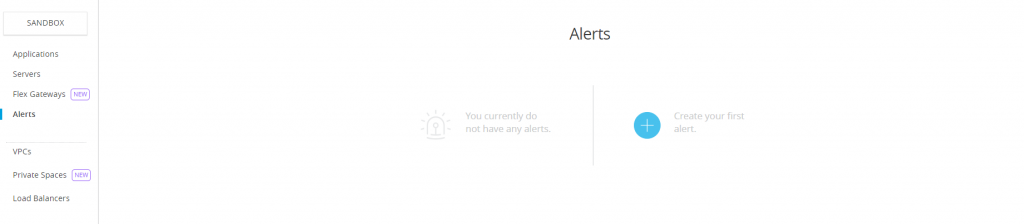
Then details need to be filled
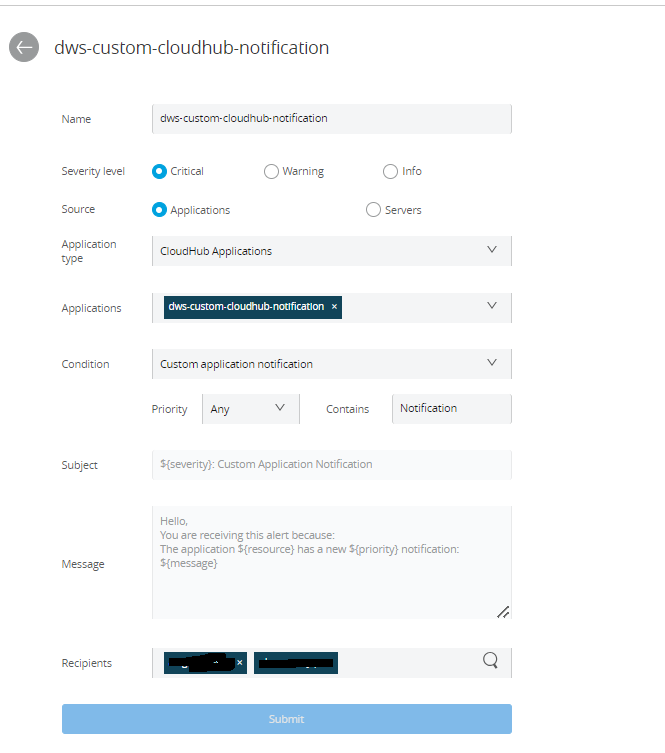
Then, you’ll be able to see the alert created.

Steps for creating a Mule Application:
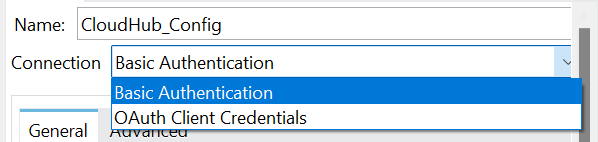
1.Drag and Drop the Cloudhub connector into the canvas and Click on add Connector configuration. Select the Basic Authentication.
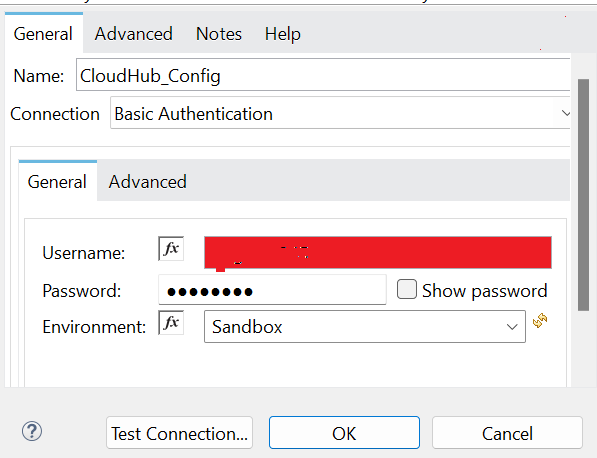
2. Anypoint Platform providing a username, password, and environment for Basic Authentication. After filling in these details, we can test the connection to ensure it has been established successfully.
3. Add the Domain, Message, Custom properties, Priority and the Transaction ID.
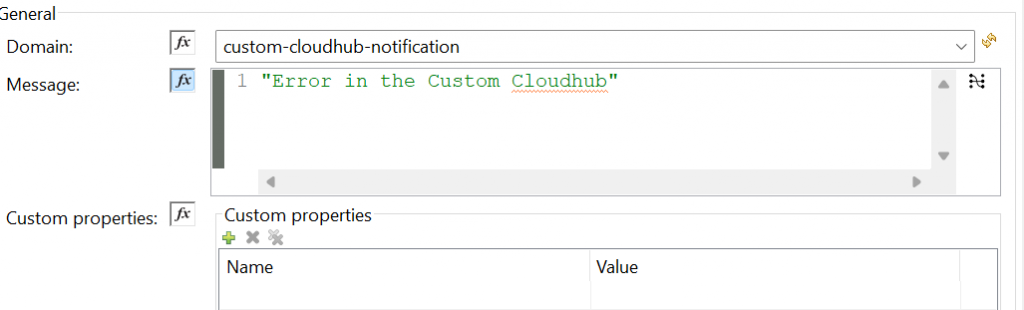
- Domain: Specifies the CloudHub application’s name deployed, providing contextual information for the notification.
- Message: Contains the notification content, offering concise details about the triggering event or issue.
- Custom Properties: Allows modification of additional attributes within the Anypoint Platform, offering flexibility in tailoring notifications.
- Priority: Optionally assigns urgency levels to notifications, aiding in effective prioritization for prompt action.
- Transaction ID: Provides a unique identifier for each transaction, aiding correlation and troubleshooting, although it’s non-mandatory.
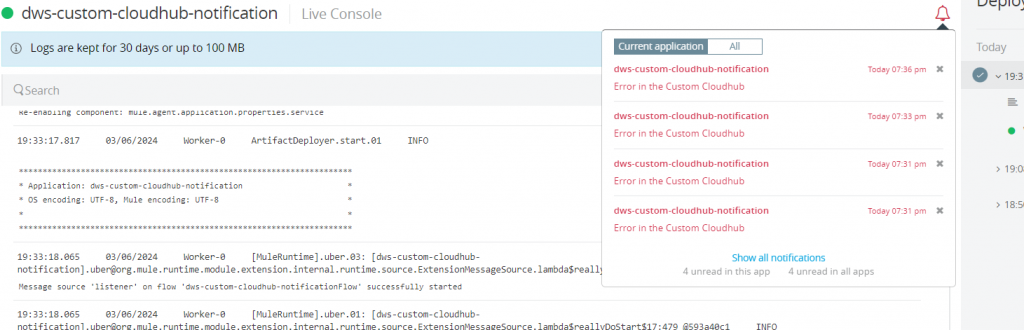
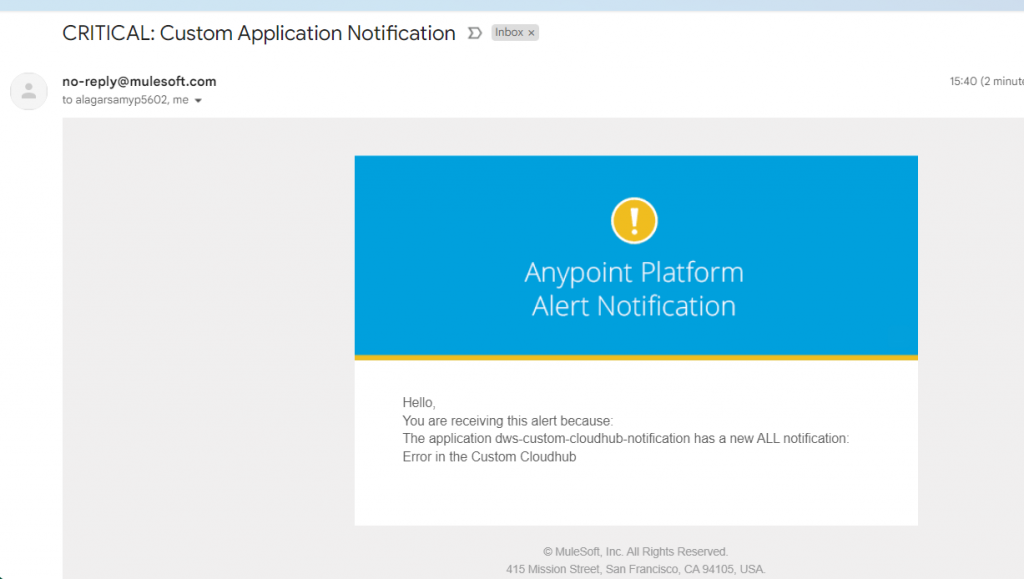
You can view notifications on Anypoint Platform by clicking the bell icon. When an exception occurs that matches the criteria mentioned in the alert and you can see the notification in our email box